~/VibeHandbook
$39

Chapter 04

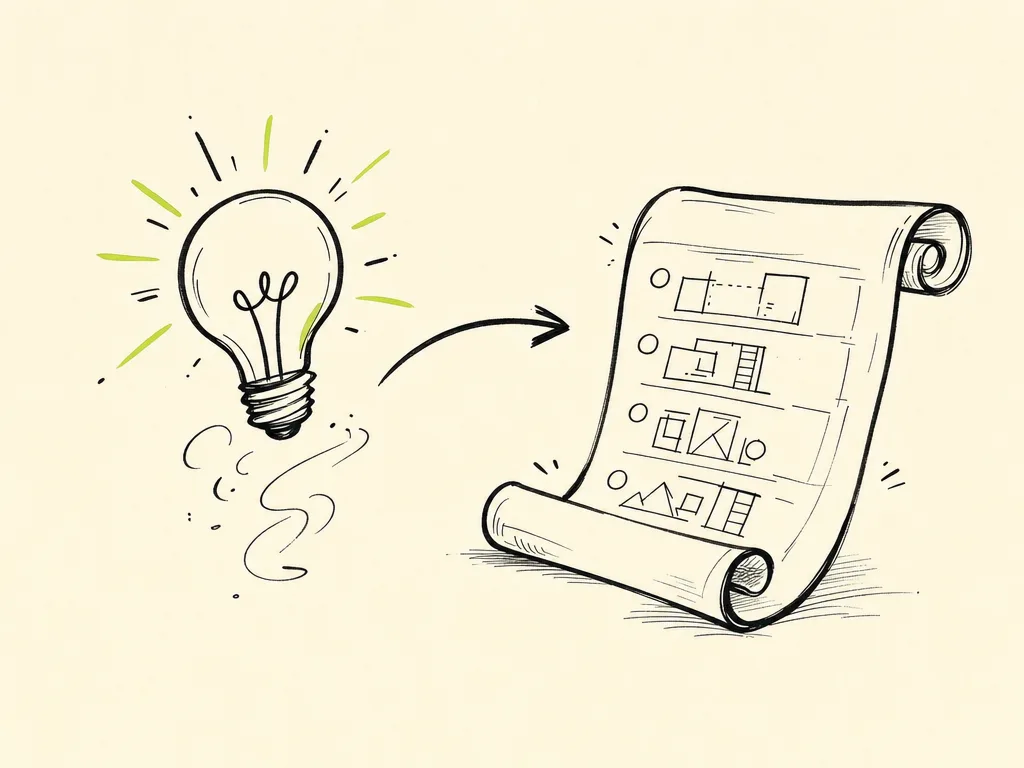
From Idea to Spec in Minutes

Every project starts as a fuzzy thought: "I want an app that helps me track my reading." That's a fine seed, but you can't build from it directly — and neither can your AI. A vague idea handed to an AI produces vague software: features you didn't ask for, missing pieces you did, and a pile of code you don't understand.

The fix is a spec — a short, plain-language document that says what you're building and what you're not building. The good news: with AI as your thinking partner, you can go from a one-line idea to a buildable spec in minutes, not days. This chapter shows you how.

Why a Spec, Not Just Vibes

Vibe coding doesn't mean skipping planning. It means doing planning fast and lightly, then directing the AI to execute. A spec is the steering wheel. Without it, the AI guesses at your intent on every prompt, and small misunderstandings compound into a mess.

A spec gives you three things:

  • Shared context — you can paste it into any AI session and instantly re-establish what you're building.
  • A scope boundary — a written line between "in" and "out" that stops feature creep.
  • A task list — buildable chunks the AI can complete one at a time.

It doesn't need to be long. One page is plenty for most projects.

Step 1: Clarify the Problem

Before features, name the problem and the person who has it. Resist jumping to solutions. A clear problem statement keeps every later decision honest.

Ask yourself (or ask the AI to interview you):

  • Who is this for? (Be specific — "me," "indie makers," "my running club.")
  • What painful thing are they doing today without this?
  • What does success look like in one sentence?

You can let the AI do the digging. Try this prompt:

I have a rough idea: a web app to track books I'm reading.
Act as a product thinking partner. Ask me 5 sharp questions,
one at a time, to clarify the problem, the target user, and what
"done" looks like. Don't propose features yet — just interrogate
the idea until it's concrete.

Answering five good questions usually sharpens a vague idea into something real.

Step 2: Define Scope and Non-Goals

This is the most valuable and most skipped step. Non-goals — the things you are deliberately not building — protect you from an AI that loves to add "helpful" extras.

For our book tracker, scope might be:

  • In scope: add a book, mark it as reading/finished, see a list, rate finished books.
  • Out of scope (non-goals): social features, recommendations, importing from Goodreads, mobile app, user accounts.

Writing non-goals down does two jobs. It keeps your first version small enough to actually finish, and it gives you a sentence to paste when the AI drifts: "Remember, accounts are a non-goal for v1 — don't add login."

Step 3: Write User Stories

User stories turn scope into testable behavior. The format is simple:

As a [user], I want to [action], so that [benefit].

For the book tracker:

  • As a reader, I want to add a book by title and author, so that I can start tracking it.
  • As a reader, I want to mark a book as finished, so that I can see my progress.
  • As a reader, I want to rate a finished book 1–5 stars, so that I remember what I liked.

Each story is a unit you can build and verify independently. If you can't picture how you'd test a story by clicking around the app, it's too vague — split it or rewrite it.

Step 4: Draft a Lightweight PRD

A PRD (Product Requirements Document) is just your decisions in one place. Keep it tiny. Here's a complete starter PRD you could hand to an AI:

# Book Tracker — Mini PRD

## Problem
I read a lot but lose track of what I've finished and what I thought of it.

## User
Me (a single user). No accounts needed for v1.

## Goal
A simple web app to add books, track reading status, and rate finished ones.

## In Scope (v1)
- Add a book (title, author)
- Set status: To Read / Reading / Finished
- List all books, filterable by status
- Rate finished books 1–5 stars

## Non-Goals (v1)
- User accounts / login
- Social features, sharing, recommendations
- Importing from other services
- Mobile / native apps

## Tech (keep it simple)
- Single-page web app
- Local browser storage (no backend for v1)

## Done When
I can add a book, change its status, rate it, and see my list
persist after a page refresh.

Notice the "Done When" line. That's your acceptance test — a concrete way to know you've shipped v1. Always include one.

Step 5: Sketch the Data Model

Most apps are really about data: what you store and how the pieces relate. A quick data model sketch saves you from confused, inconsistent code later. You don't need a database diagram — a list of fields is enough.

For the book tracker, there's one main thing — a Book:

Book
- id: unique string
- title: string
- author: string
- status: "to_read" | "reading" | "finished"
- rating: number 1–5 (only if finished)
- addedAt: date

Even this tiny sketch makes decisions explicit: ratings only exist for finished books, status is one of three fixed values, and every book has an id. When you hand this to the AI, it stops guessing field names and builds consistently.

Step 6: Break the Spec Into Vibe-Sized Tasks

The final move is to slice your spec into tasks the AI can execute one at a time. A vibe-sized task is small enough that you can review the result in a minute and know whether it worked. If a task takes the AI several files and you can't tell if it's right, it's too big.

Good tasks for the book tracker:

  1. Set up the basic page layout with a header and an empty book list.
  2. Build the "add a book" form (title + author) that appends to the list in memory.
  3. Add status (To Read / Reading / Finished) with a dropdown to change it.
  4. Save the list to browser local storage so it survives a refresh.
  5. Add a rating control that appears only for finished books.
  6. Add status filter buttons above the list.

Each task maps to a user story or PRD line, builds on the last, and ends in something you can see working. That's the rhythm of vibe coding: small task, run it, verify, next.

You can even have the AI generate this breakdown for you:

Here is my mini PRD and data model [paste them].
Break this into 6–8 small, ordered build tasks. Each task should
be independently testable and build on the previous one. Keep each
task to something I can verify by clicking around the app.

The Payoff

You now have a problem statement, scope and non-goals, user stories, a one-page PRD, a data model, and an ordered task list — the entire foundation of a real project, drafted in minutes with the AI as your sounding board.

Keep this spec in a file in your project (many people use a SPEC.md or PRD.md). It becomes the document you paste into fresh AI sessions to re-anchor context, and the checklist you work down one vibe-sized task at a time. In the next chapter, we'll take the first task and actually build it.

Want it offline?

Get the PDF + EPUB + downloadable prompt library + version updates.

$ Get the PDF — $39