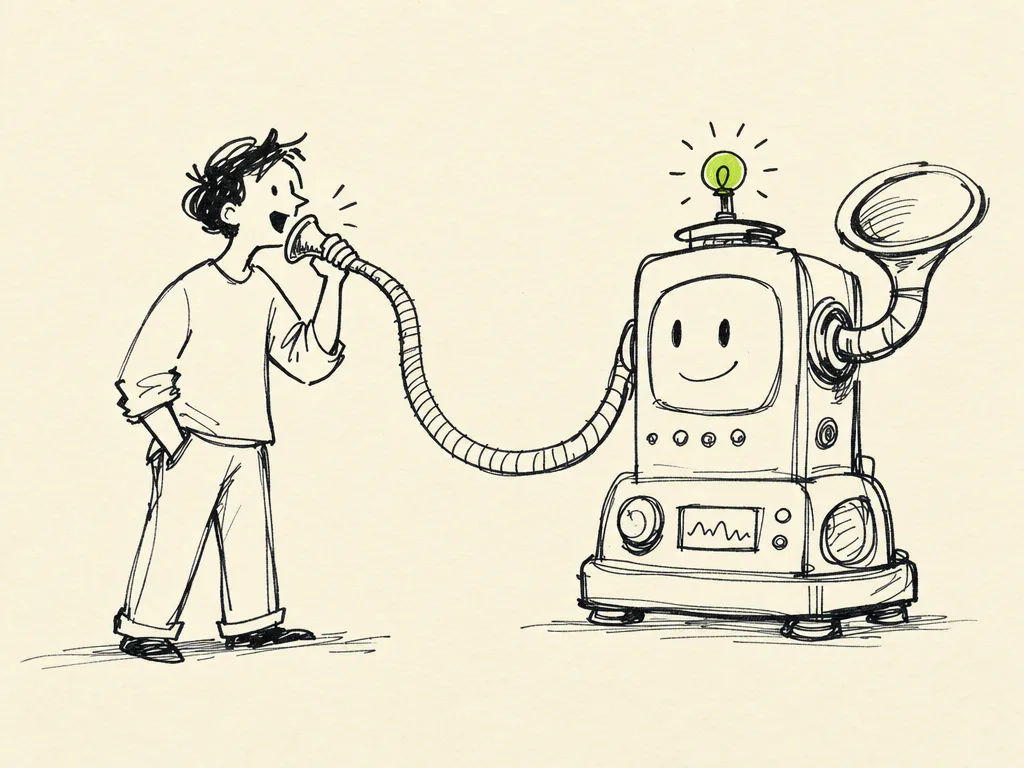
The Command Line
The first time you watch an AI coding tool do its work, a black window fills with text scrolling past, and a blinking cursor waits for you to type. That window is the command line. For a lot of non-coders it's the scariest part of the whole journey — it looks like the movies, like one wrong move will erase your hard drive. It won't. The command line is just a different way of telling your computer what to do: with words instead of clicks.
This chapter demystifies it. You don't need to memorize a hundred commands. You need to understand what's happening, recognize a handful of everyday commands, and know how to safely run the ones an AI hands you. That's enough to stop being afraid and start being effective.