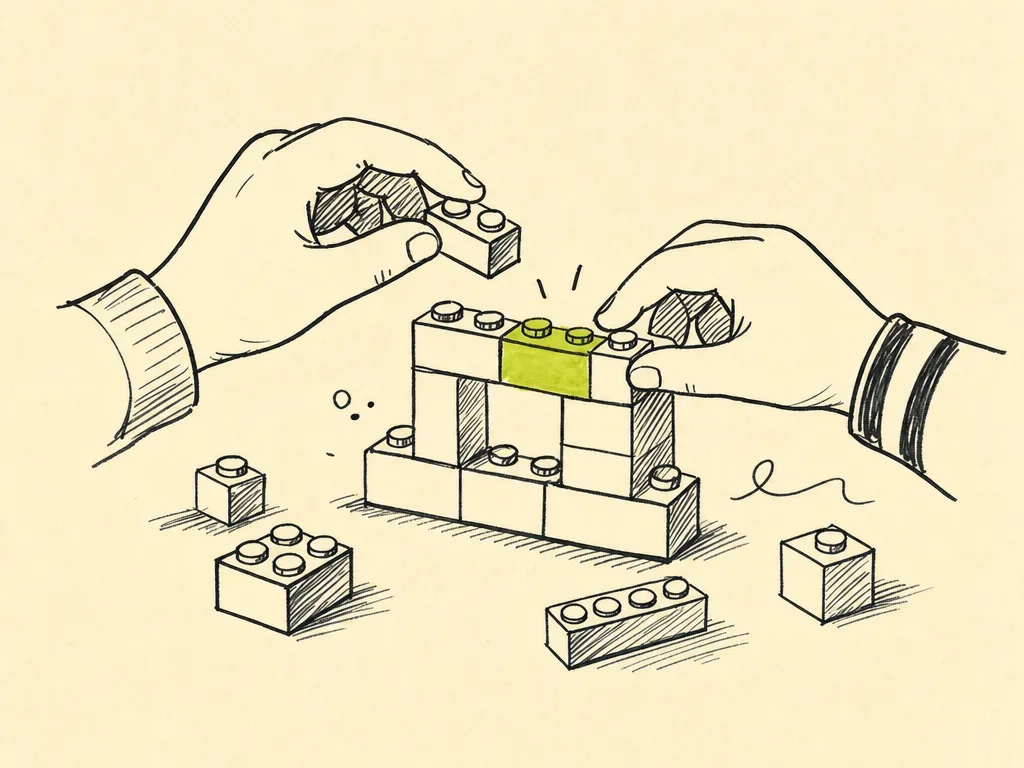
Building Features, Vibe by Vibe
By now you can talk to your AI and get it to write code. But a real feature is bigger than a single prompt. The skill that separates people who ship from people who get stuck is knowing how to break a feature into small pieces and drive the AI through them one at a time — keeping the app working at every step.
This chapter is the core build loop. Learn it once and you'll reuse it for every feature you ever build.
The Build Loop
Here is the loop you'll run over and over. It's small on purpose.
- Slice the feature into small vertical steps. Each step should be something you can build, run, and see working in a few minutes.
- Pick one step. Just one. Ignore everything else for now.
- Prompt for that one step. Be specific about what changes and what stays the same.
- Review the change. Read what the AI wrote. You don't need to understand every line, but skim it for anything obviously wrong.
- Run the app. Actually click the button, load the page, hit the endpoint. Confirm the step works.
- Commit. Save a checkpoint in version control with a short message.
- Repeat from step 2 with the next step — until the feature is done.
The whole point is that you're never far from a working app. If step 4 produces something broken, you only have one small change to undo, not a tangled mess.
What "Vertical Slice" Means
A vertical slice is a thin piece of the feature that goes all the way through your app — a bit of UI, a bit of logic, a bit of data — instead of building one whole layer at a time.
Tempting but wrong approach (horizontal):
- Build the entire database schema.
- Then build all the backend logic.
- Then build the whole UI.
You can't run anything until all three are done, so you can't catch problems early.
Better approach (vertical):
- Step 1: a button that does the simplest possible version of the thing, with fake data.
- Step 2: make it use real data.
- Step 3: handle the edge cases.
Each slice is runnable. That's what keeps the app always-working.
A Worked Example: A "Favorites" Feature
Let's build a small feature end to end: users can mark items in a list as favorites, and see a count of how many they've favorited.
Slicing it
Here's how I'd break it into vertical steps:
- Add a star button next to each item (does nothing yet, just shows up).
- Clicking the star toggles its on/off look (state only, not saved).
- Show a "★ 3 favorites" counter that reflects the toggles.
- Save favorites so they persist after a page reload.
Notice each step is independently runnable and visible. You could stop after any one of them and still have a working app.
Step 1: the button
A good prompt names the file, the change, and what not to touch:
In the ItemCard component (src/components/ItemCard.jsx), add a star
button in the top-right corner of each card. It should render an
outline star icon. Don't wire up any click behavior yet — just make
it appear. Keep the rest of the card layout unchanged.
Run the app. Do you see stars? Good. Commit:
git add -A && git commit -m "Add star button to item cards"
Step 2: toggle the state
Make the star button toggle between filled and outline when clicked.
Track this with local component state — don't save it anywhere yet.
A filled star means favorited.
Now you're handling state and UI together, which is normal. The AI will probably add something like:
const [isFavorite, setIsFavorite] = useState(false);
<button onClick={() => setIsFavorite(!isFavorite)}>
{isFavorite ? <StarFilled /> : <StarOutline />}
</button>
Click a few stars. They toggle? Commit.
Step 3: the counter
Add a "★ N favorites" counter at the top of the item list. It should
count how many items currently have their star filled. Lift the
favorite state up to the list component if you need to so the counter
can see it.
This step may require the AI to restructure where state lives — that's expected, and it's exactly why you do it as its own small step. Run it, toggle a few stars, watch the number change. Commit.
Step 4: make it persist
Persist favorites so they survive a page reload. Use localStorage for
now — save the list of favorited item IDs whenever it changes, and
load it on startup.
Reload the page. Still favorited? You just shipped a feature, one runnable slice at a time.
When to Let AI Run vs. Steer Manually
Not every step needs the same grip on the wheel.
Let the AI run freely when:
- The step is small and well-defined ("add a button").
- It's a common pattern the AI has clearly seen a thousand times.
- A mistake is cheap and obvious (you'll see it the moment you run the app).
Steer manually — smaller prompts, closer review — when:
- The change touches data you can't easily recover (deleting records, migrations).
- The AI keeps "fixing" the same thing in circles.
- Behavior is subtle and won't show up just by glancing at the screen (money math, permissions, auth).
- You've made two attempts and it's getting worse, not better.
A reliable rule: the bigger the blast radius, the smaller the step.
Keep the App Always-Working
This is the discipline that makes everything else possible:
- Run after every step. Not every three steps. Every one.
- Commit working states only. A commit is a save point you can return to. If a step breaks something you can't fix in a minute or two, throw it away (
git restore .or revert) and re-prompt with a clearer ask — don't pile a fix on top of a broken base. - One concern per step. If you're tempted to also "quickly fix that other thing," resist. Finish the current slice, commit, then start a new step.
- Describe the bug, don't diagnose it. When something breaks, tell the AI exactly what you saw: "After clicking the second star, the counter shows 1, not 2." Let it find the cause.
Committing in Small Increments
Small commits are your safety net. Each one should be a single coherent step:
git commit -m "Add star button to item cards"
git commit -m "Toggle favorite state on star click"
git commit -m "Add favorites counter to list header"
git commit -m "Persist favorites in localStorage"
If step 4 goes sideways, your first three steps are safe and you lose almost nothing. Big, rare commits are how people end up afraid to touch their own code.
The Takeaway
A feature isn't one giant prompt — it's a stack of small, runnable slices. Slice it, prompt for one step, review, run, commit, repeat. Let the AI run on the easy stuff and steer hard near anything risky. Keep the app working at every checkpoint, and you'll always be one small undo away from solid ground.
In the next chapter, we'll look at what to do when a step doesn't go as planned — debugging by vibe.